

Xp-pen Deco 01 Drawing Tablet
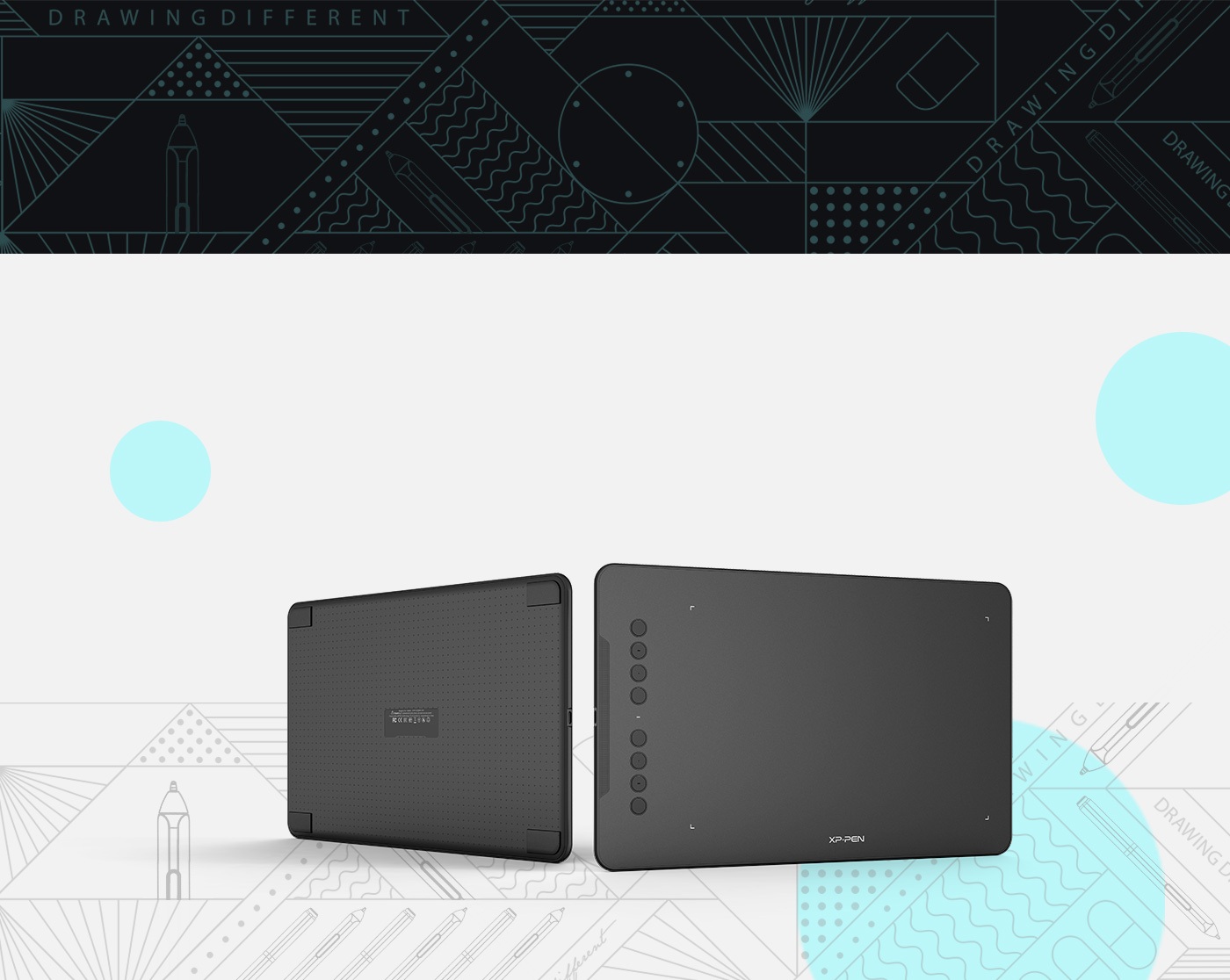

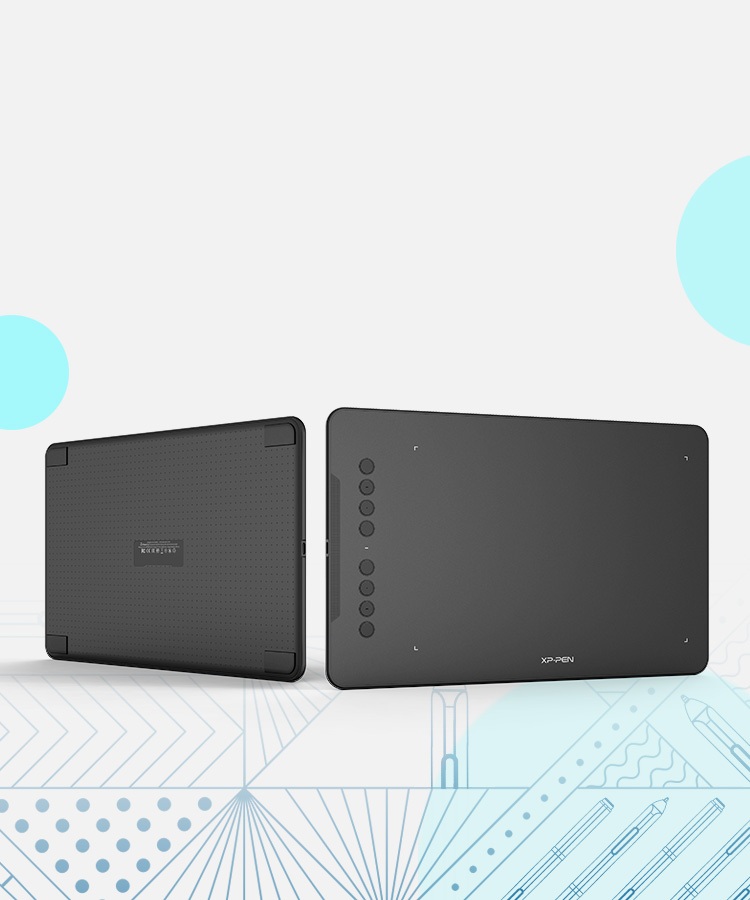
Deco 01
Time to decorate your life!
Expand your world.
The Deco 01's expansive tablet is big and brilliant, yet still designed to break through the limit between express keys and drawing area. The special squares design on the back and side states a retro fashion.
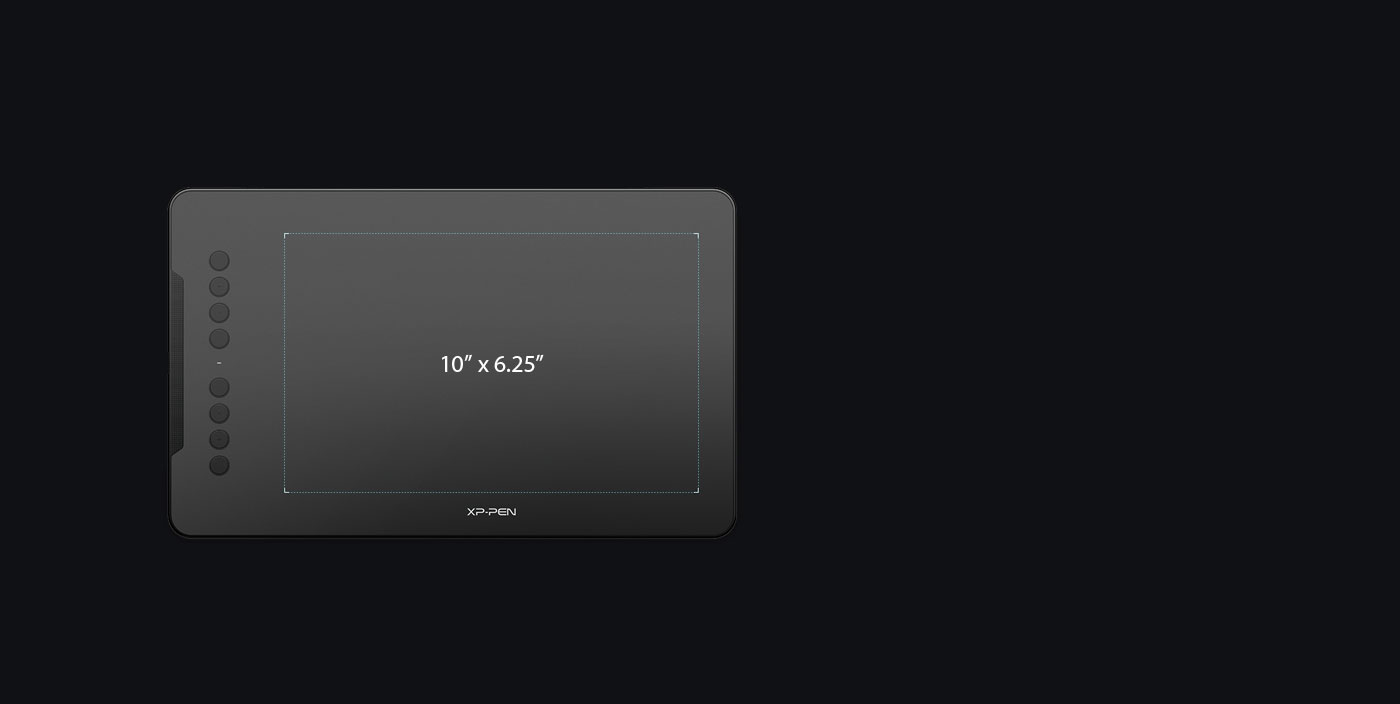
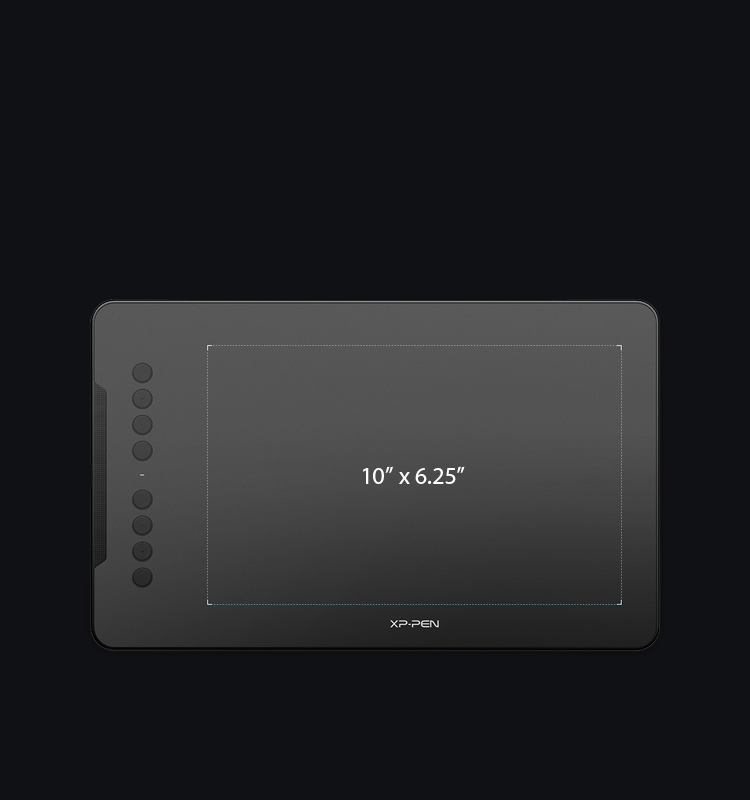
A new graphic tablet.
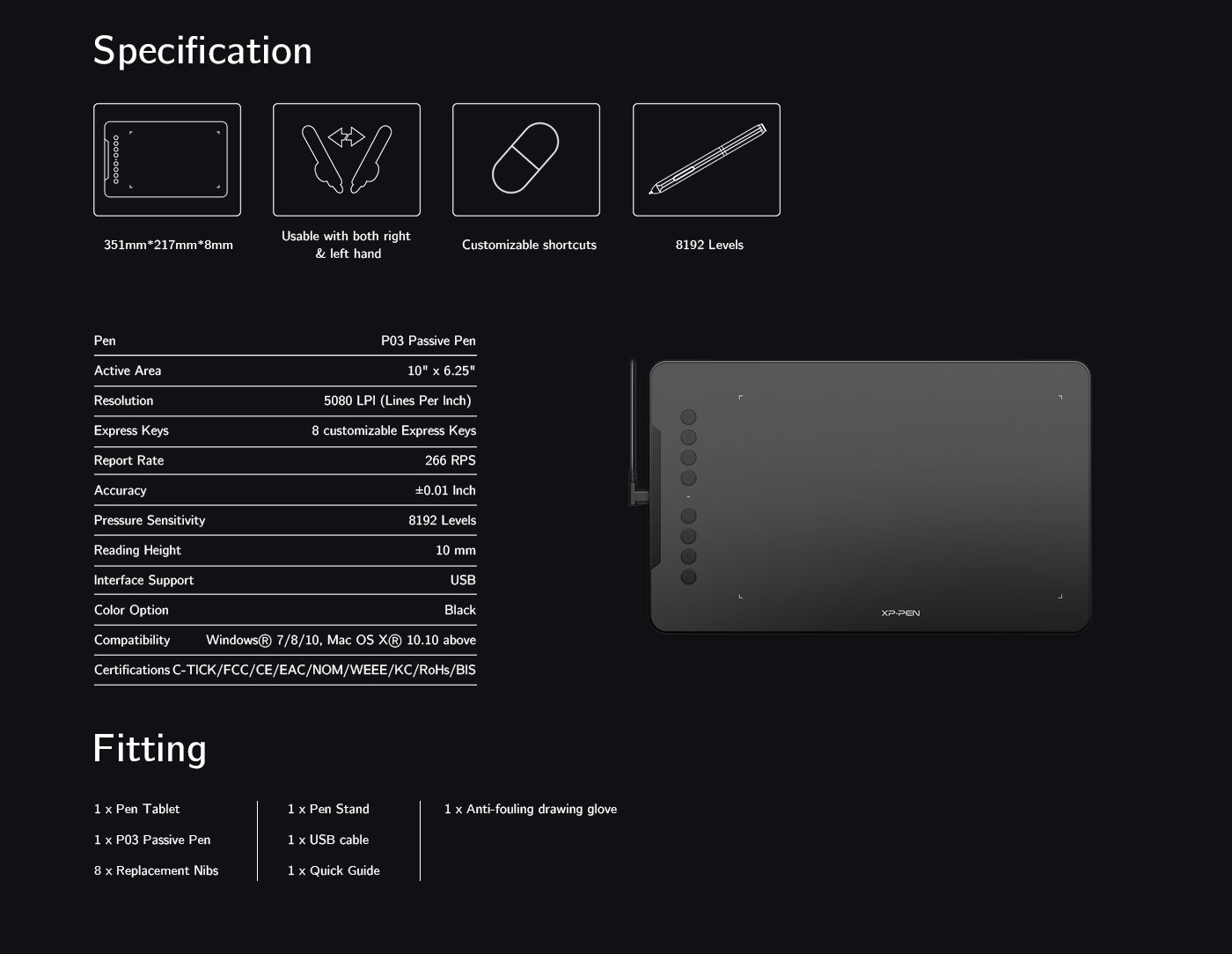
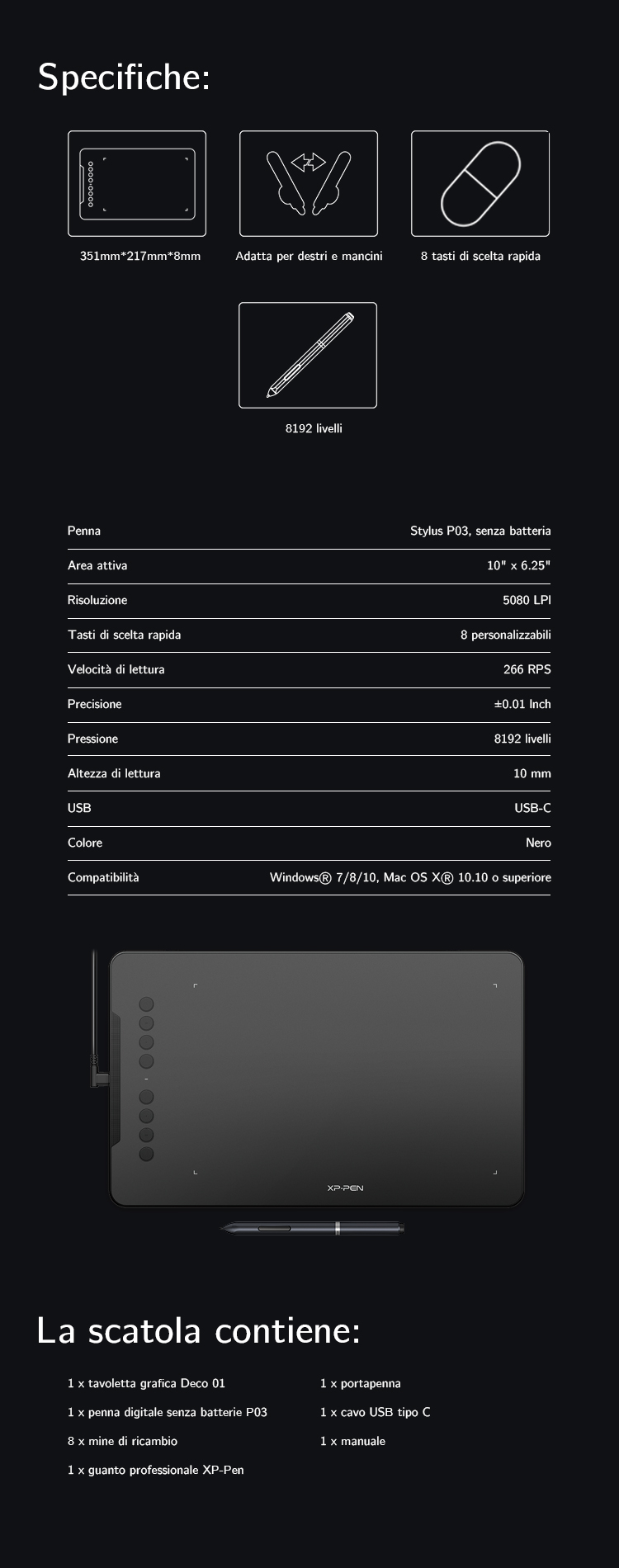
The new Deco 01 comes with 10 x 6.25 inch working area, so you have more space to create and get work done.

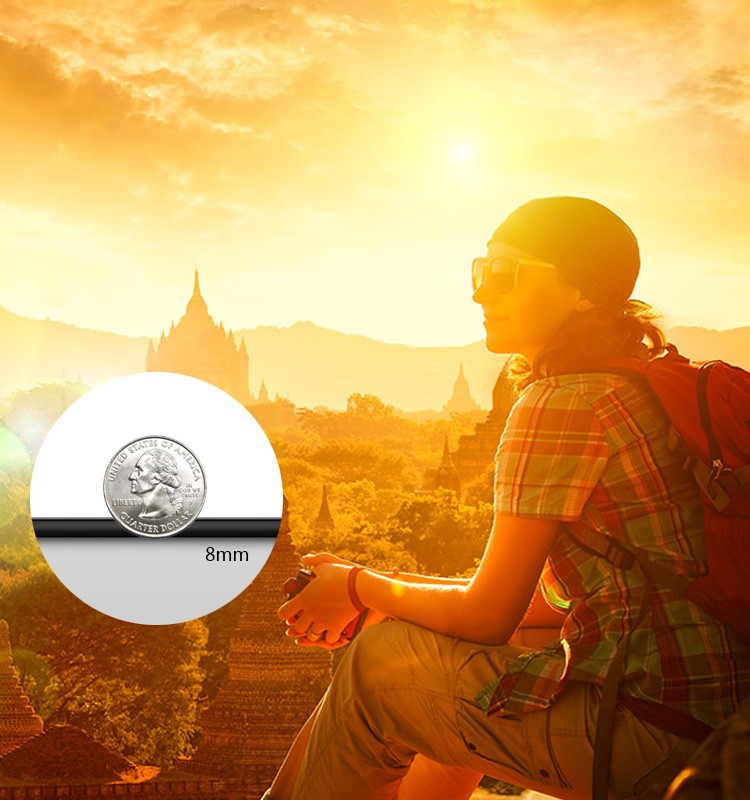
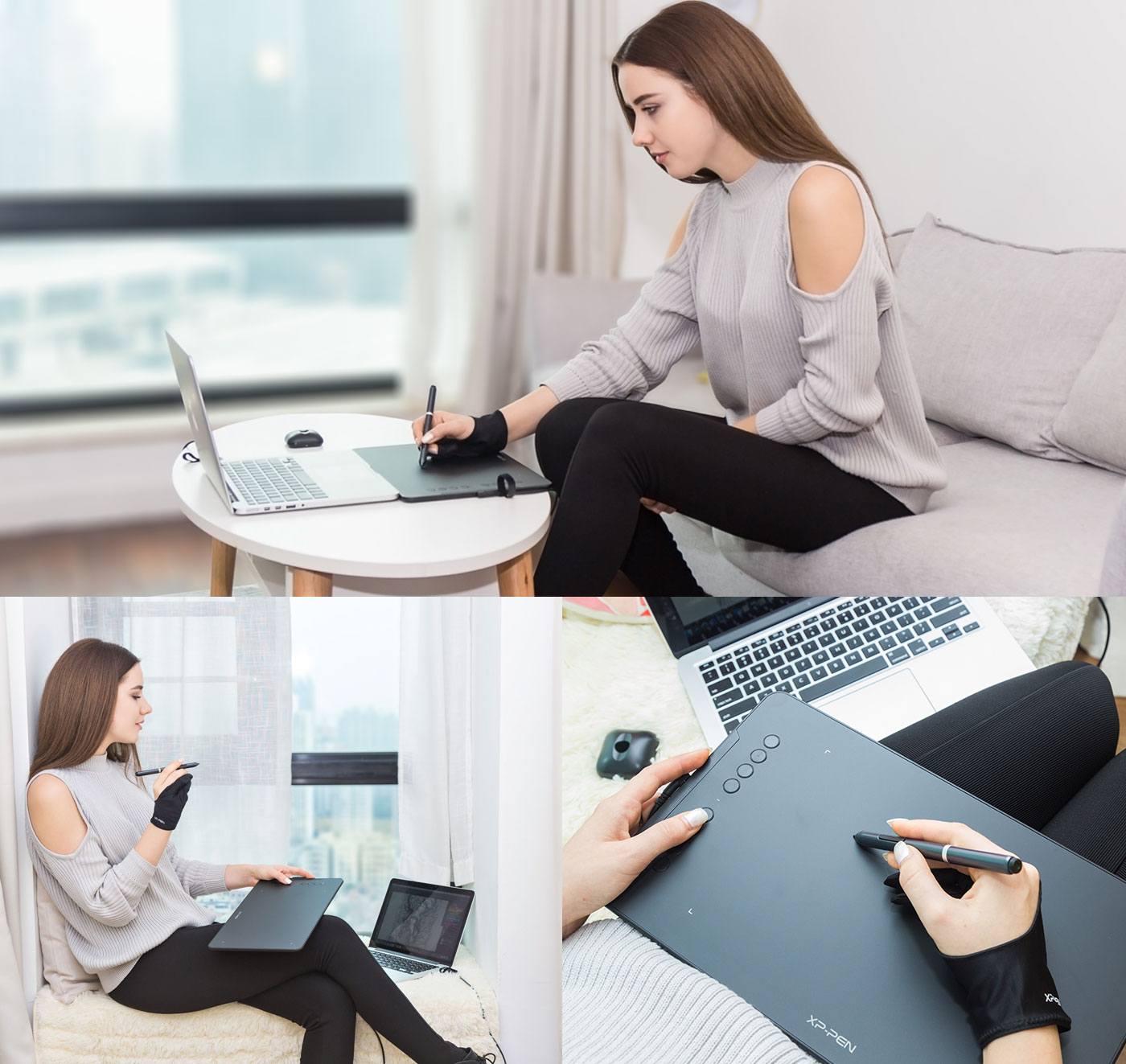
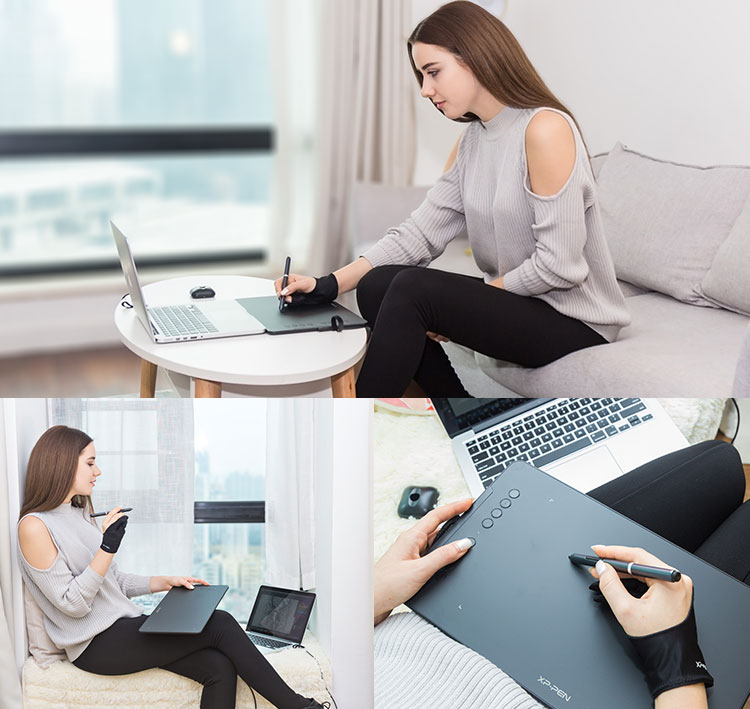
Ultra-thin and ergonomically designed.
The Deco is only 8mm thick, so you can carry it anywhere without any burden.
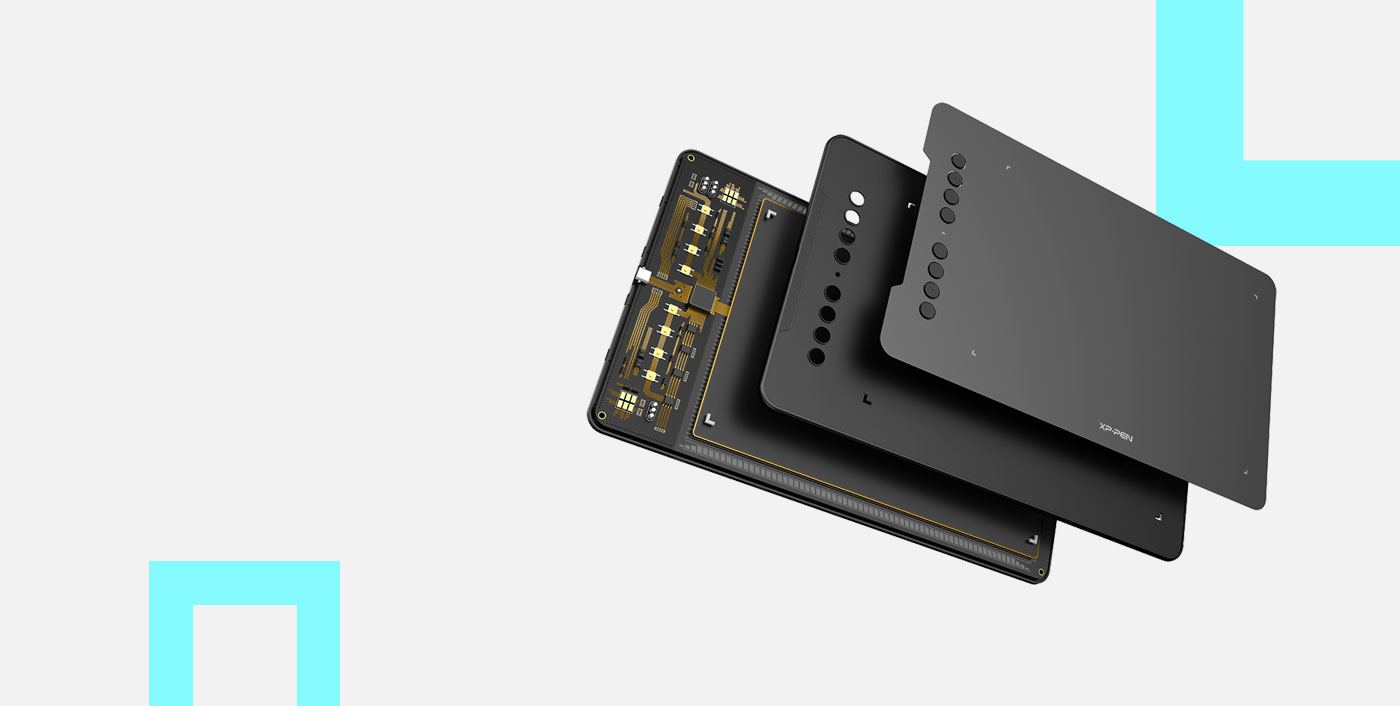
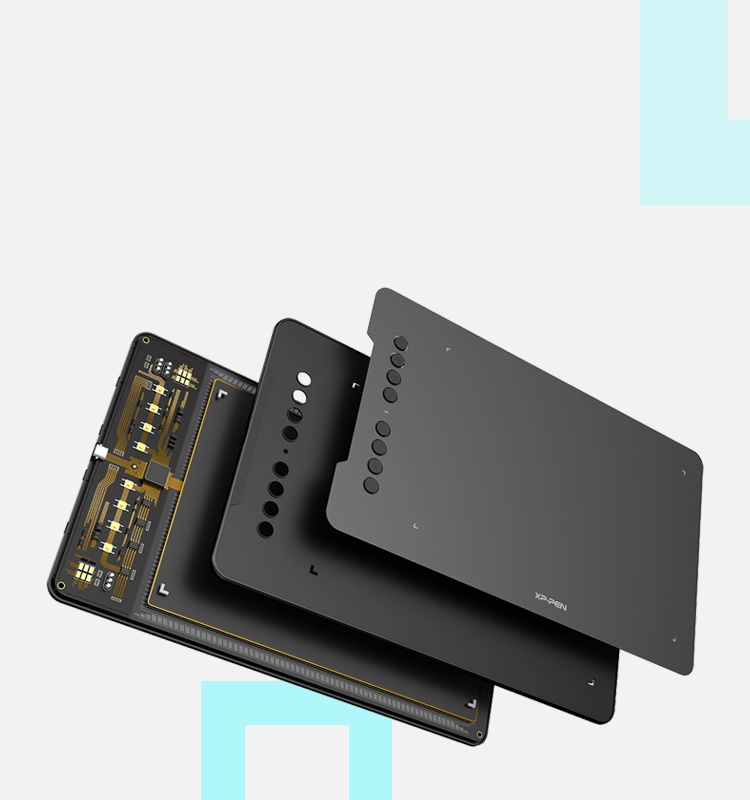
Fully bonded drawing film, create more.
Our fully bonded drawing film makes the Deco durable, giving you more power.
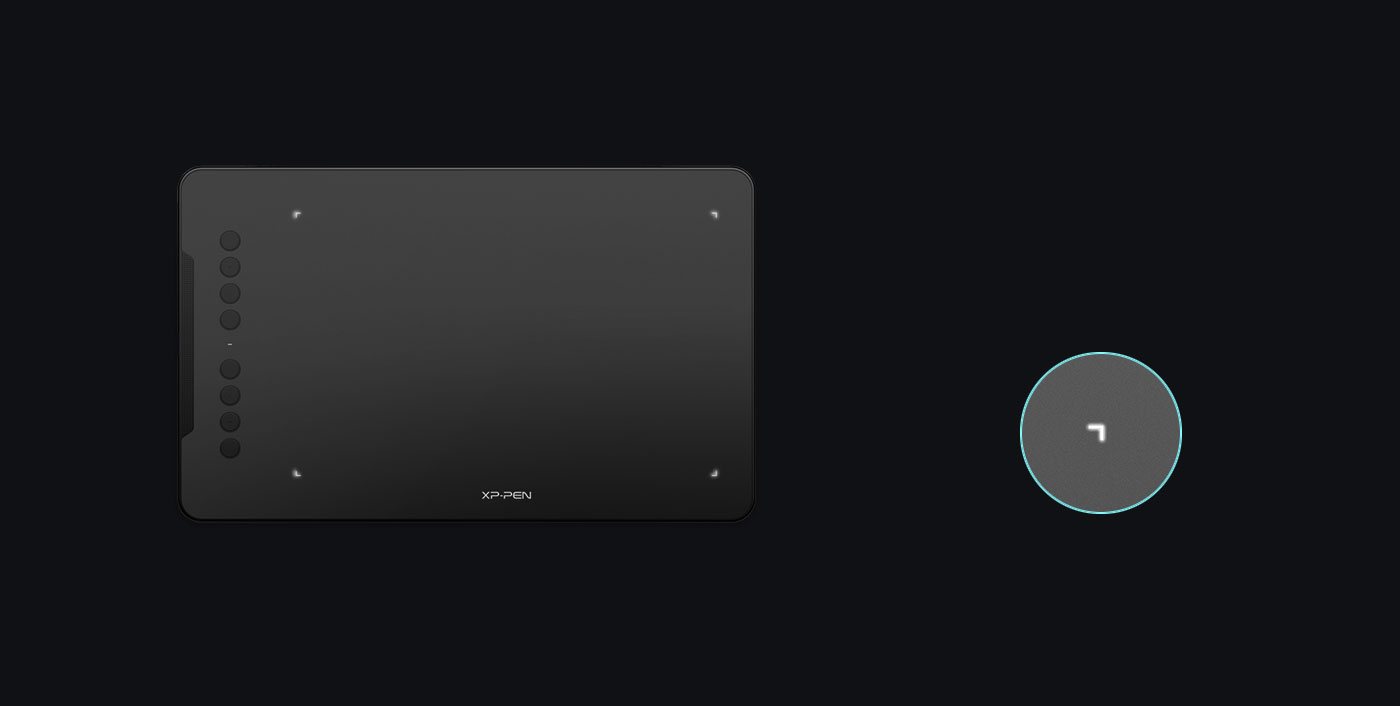
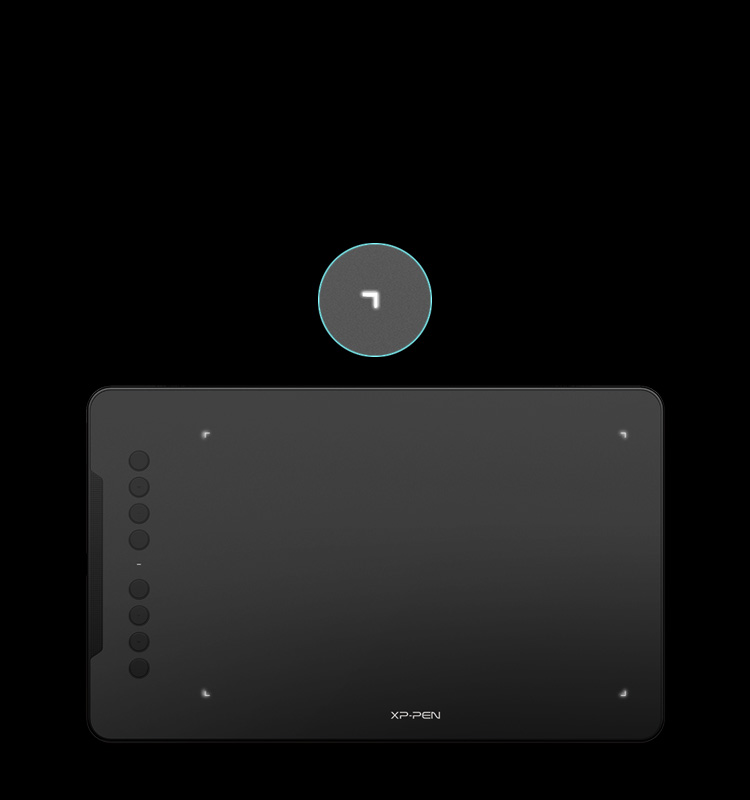
Inspired with glimmer.
The Deco lights up on the ends of the drawing area, so you can create, even in the dark.
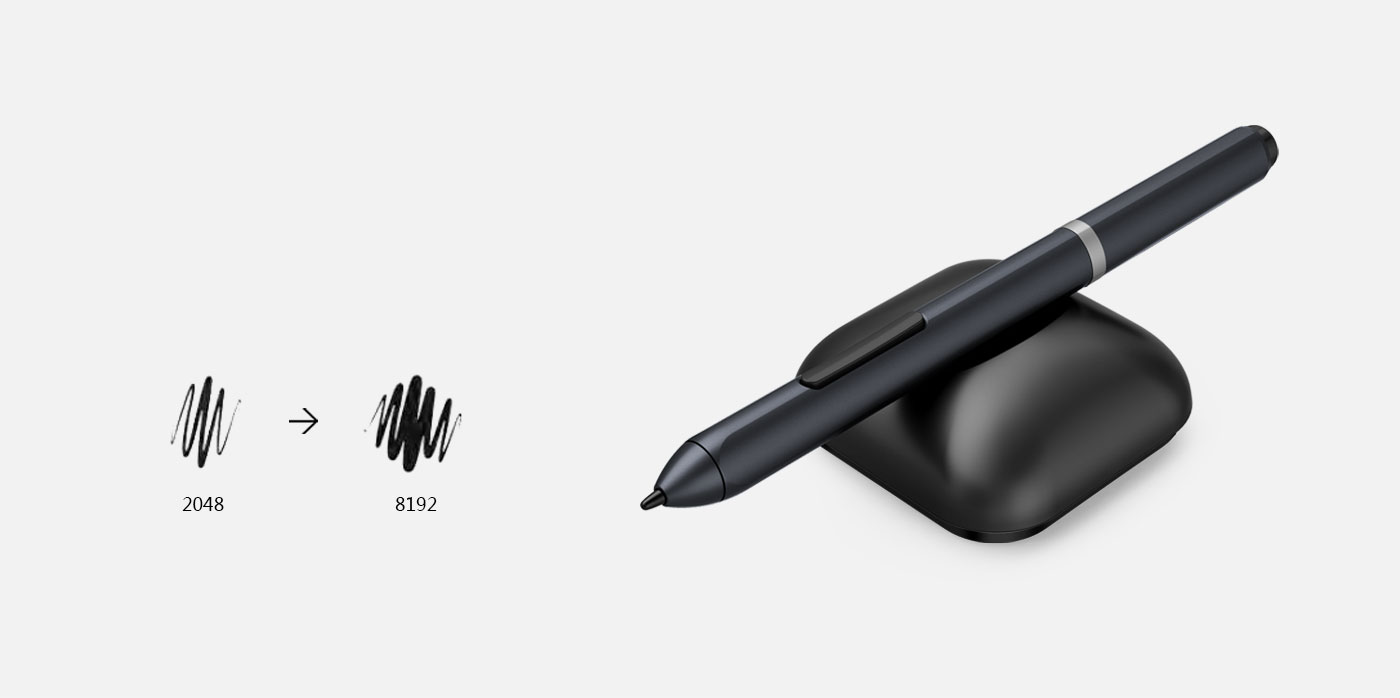
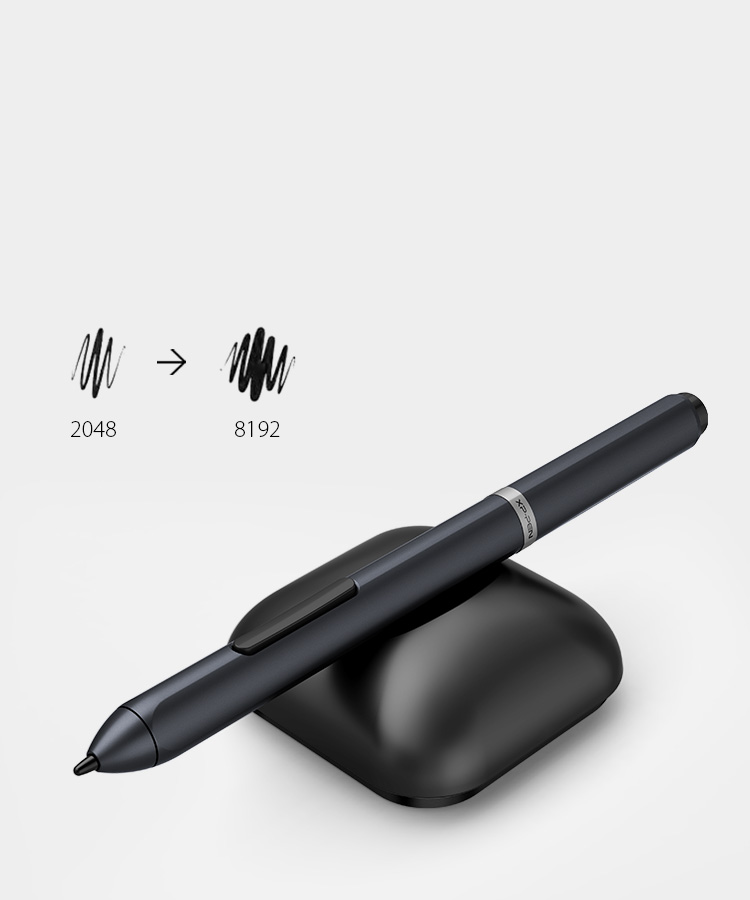
8192 levels of pressure sensitivity.
The Stylus is true-to-life with 8192 levels of pressure sensitivity, giving it the intelligence to modify, navigate and create with a full pallet of brush and pens.
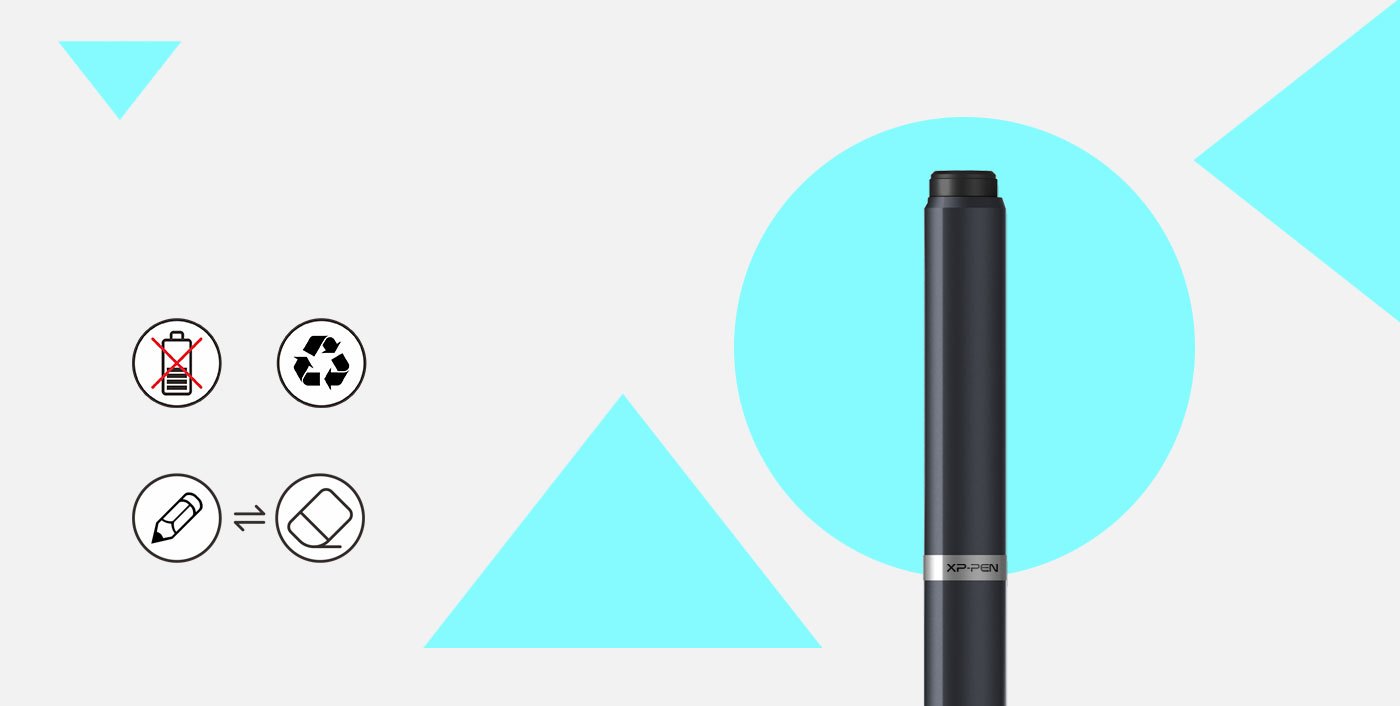
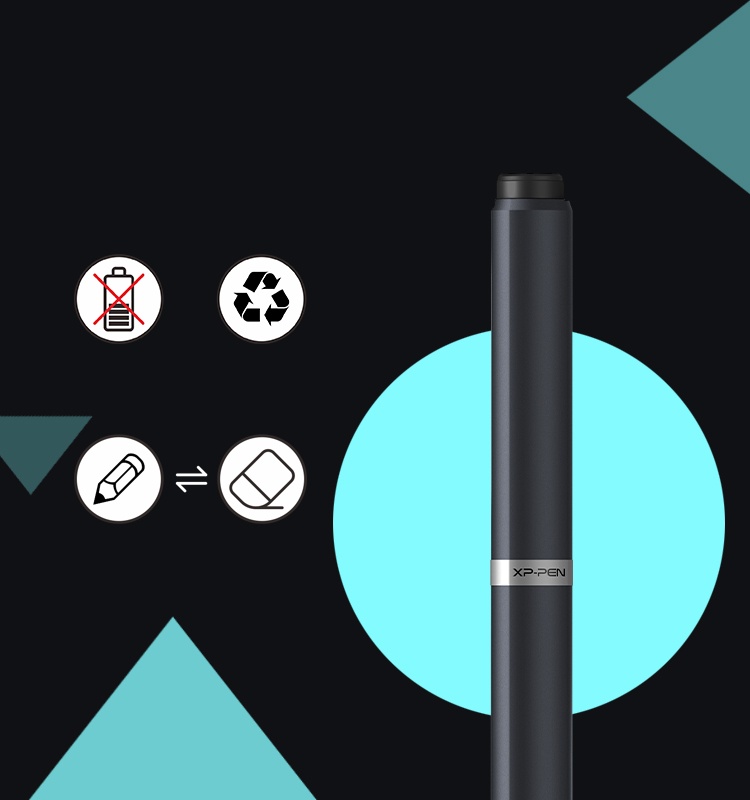
Battery-free stylus.
The Stylus works just like a real pen, no battery and no charging required!
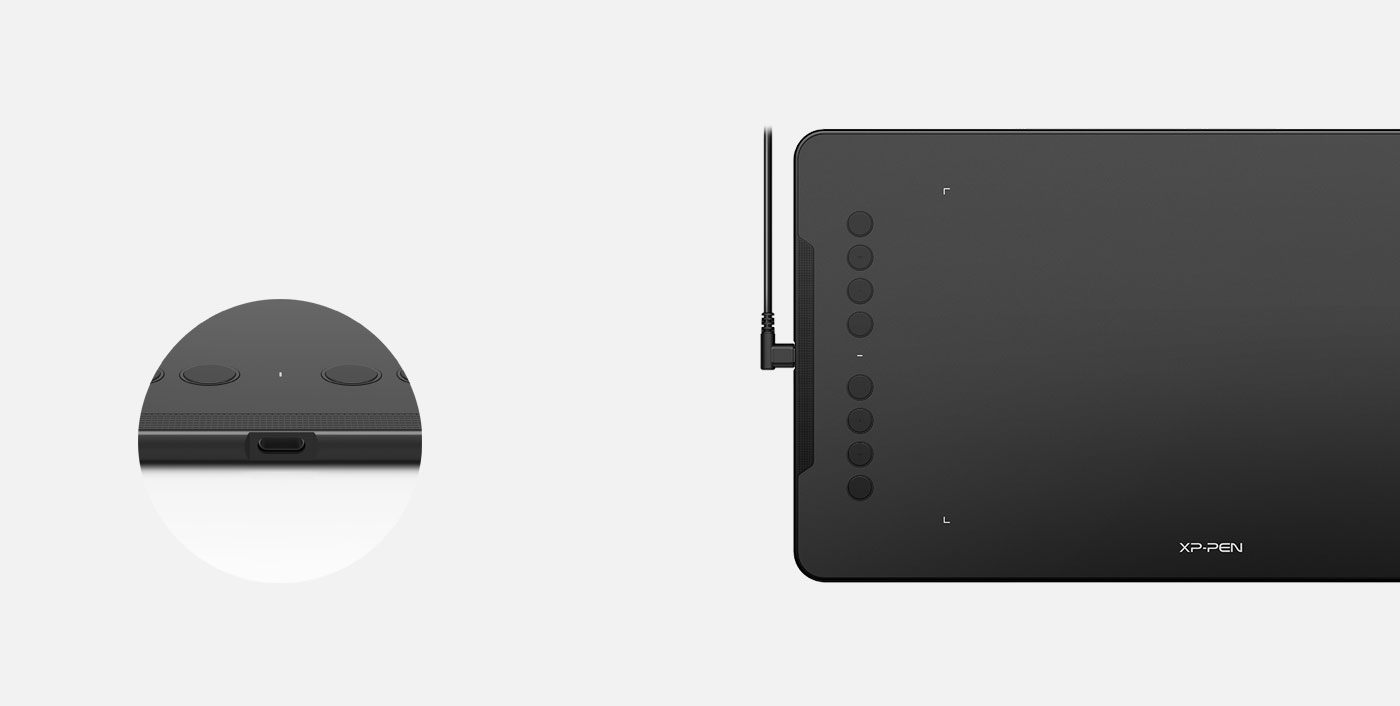
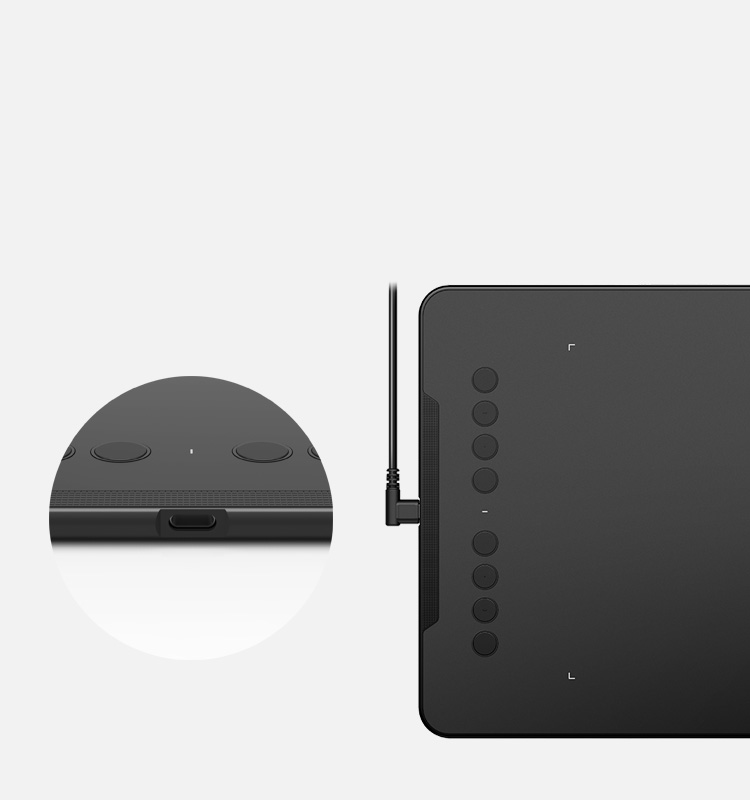
New Type-C USB Port.
The Deco comes with the new Type-C USB cable so you can easily plug it into the tablet.
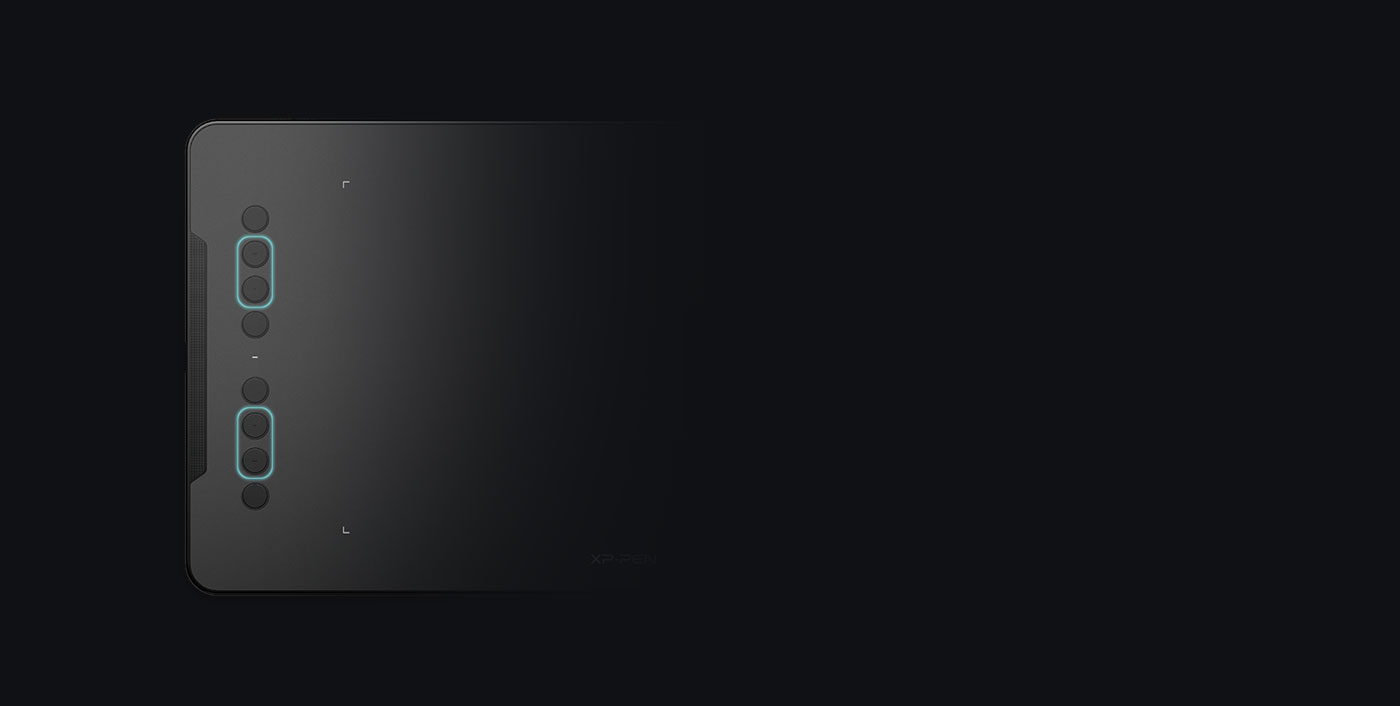
Versatility.
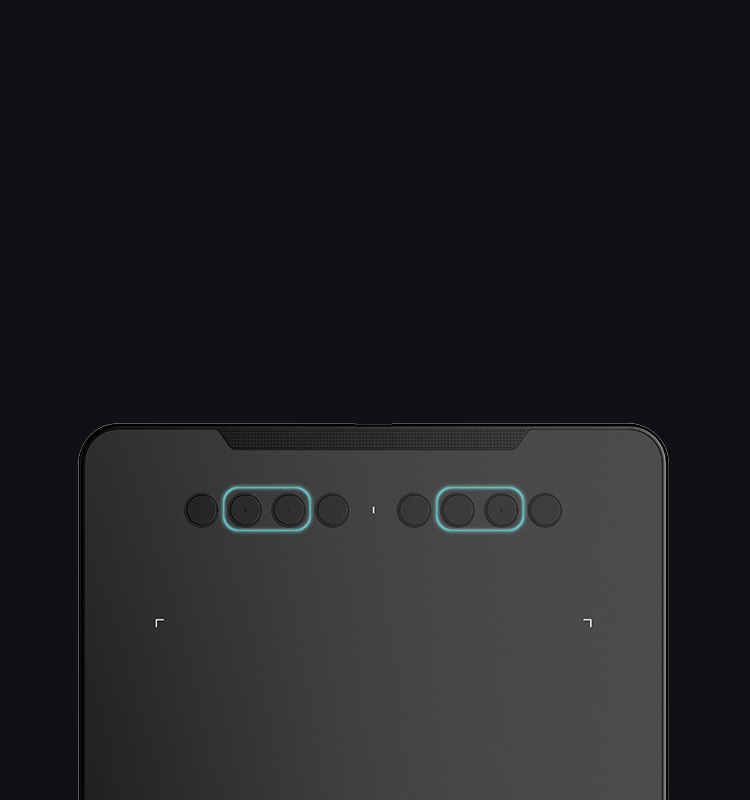
The Deco features eight, round, customizable express keys that fits easily to your finger tip. With its blind spot reduction design, it will help you find the position of your express keys efficiently. The driver allows the shortcut keys to be attuned to many different software.
Both right and left hand use.
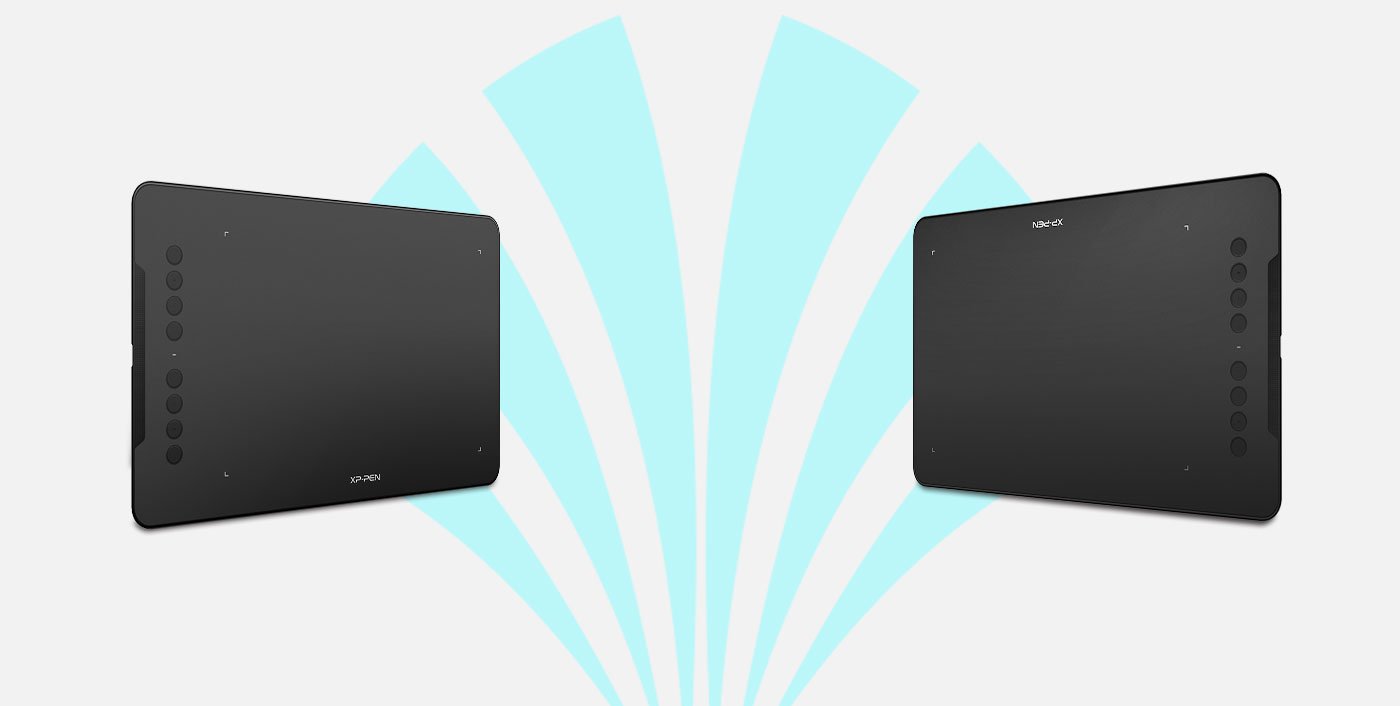
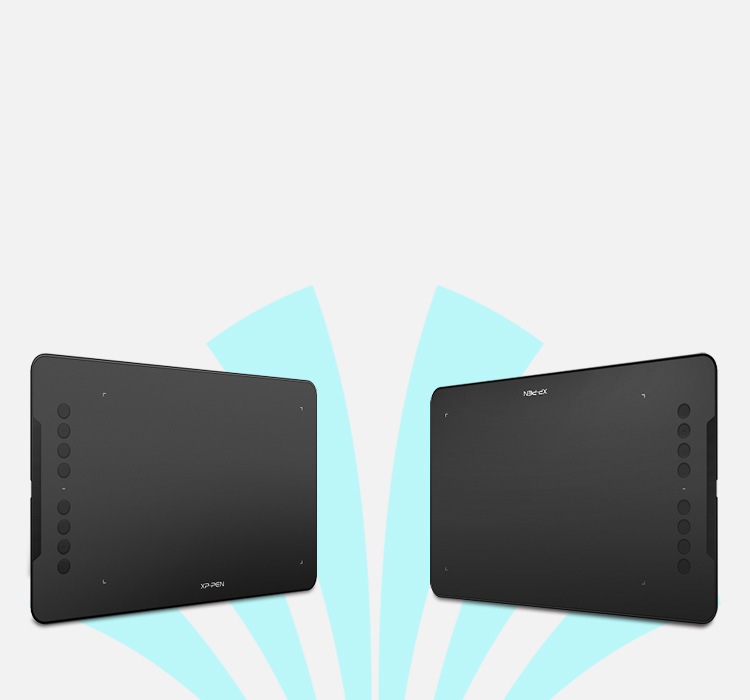
Designed for both right and left hand users, now you can set it to left hand or right hand mode through easy access. Remove all limitations and set out to what you want to be!
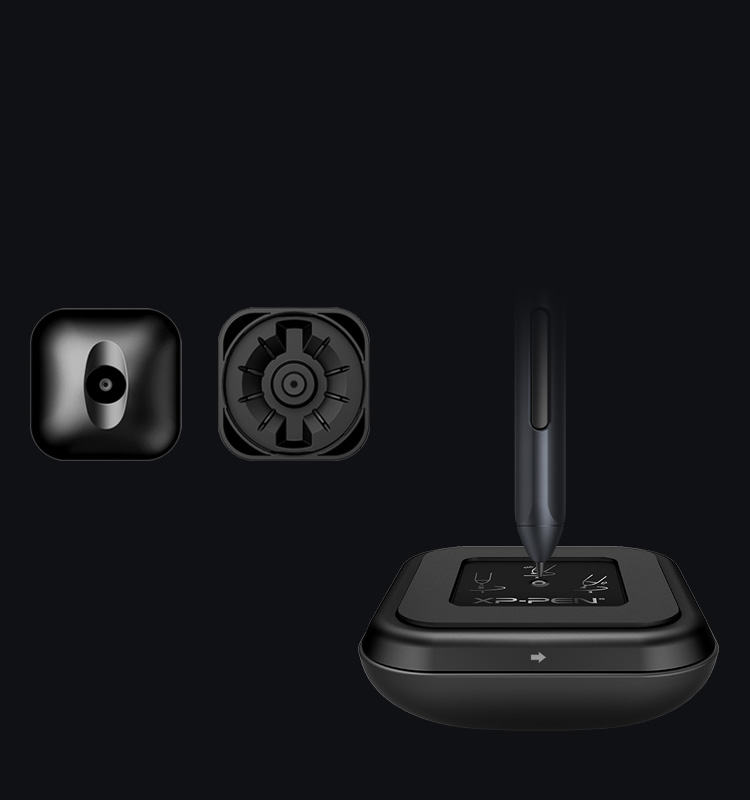
New Pen Stand
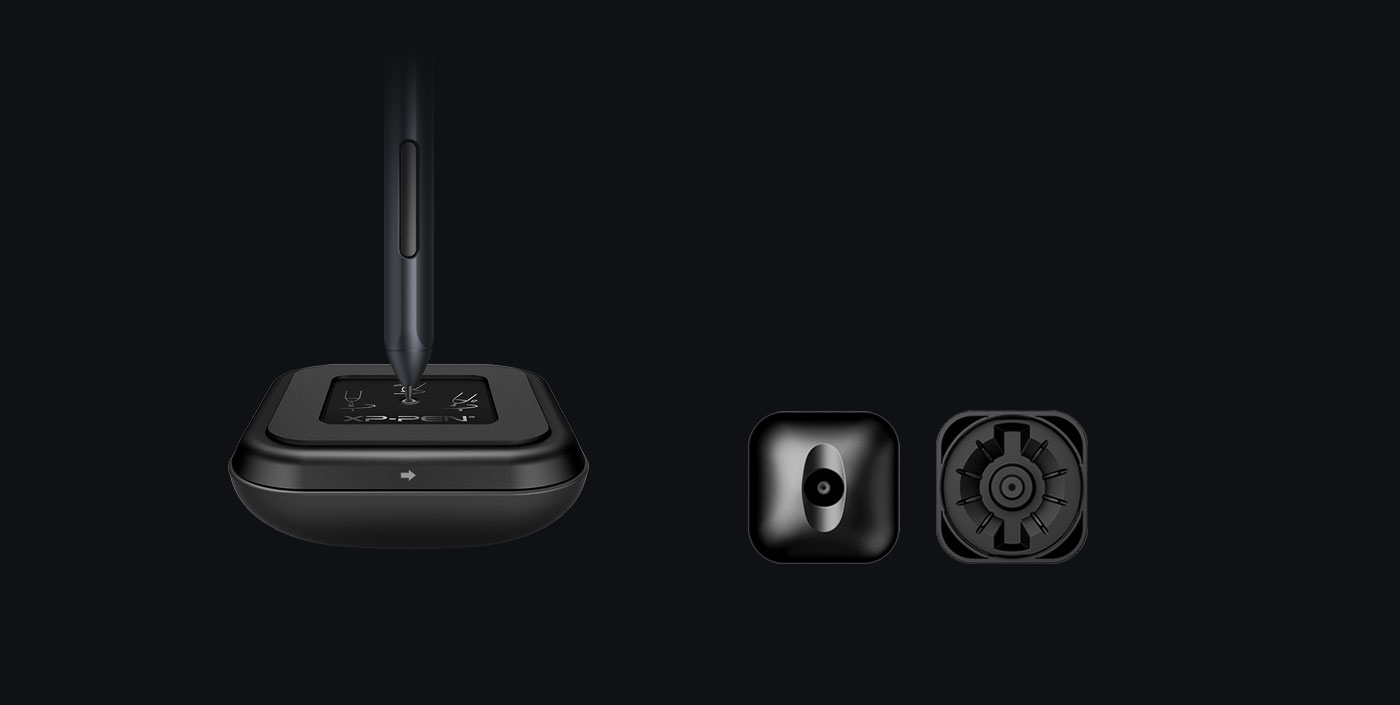
Included with Deco 01, the new Pen Stand has a built-in tool to make replacing pen tips super-simple.
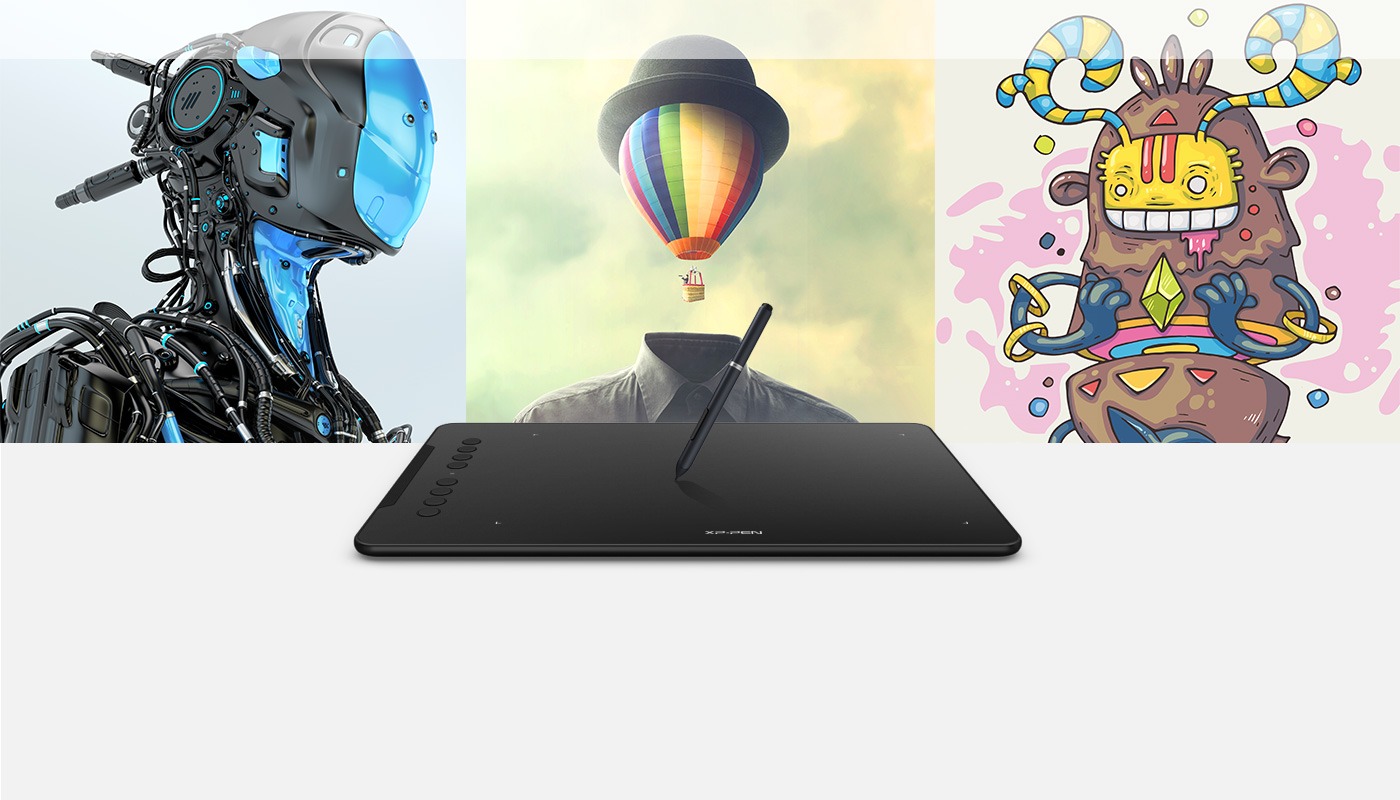
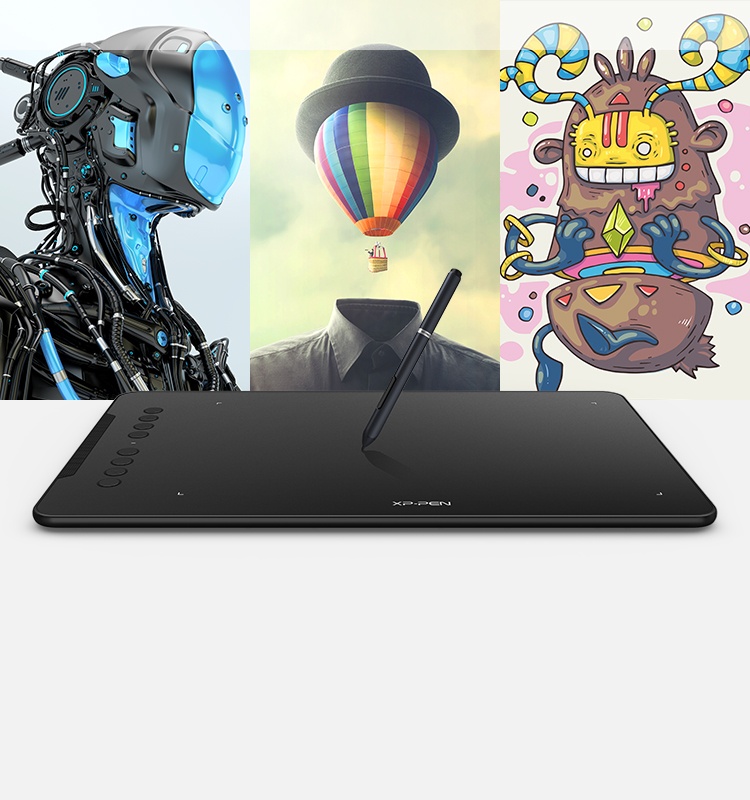
Work faster on a tablet.
Sketch, paint, design, and edit photos on your tablet. A unit powerful enough to help you take your ideas even further.
3D Animation
Image editing
Drawing and painting
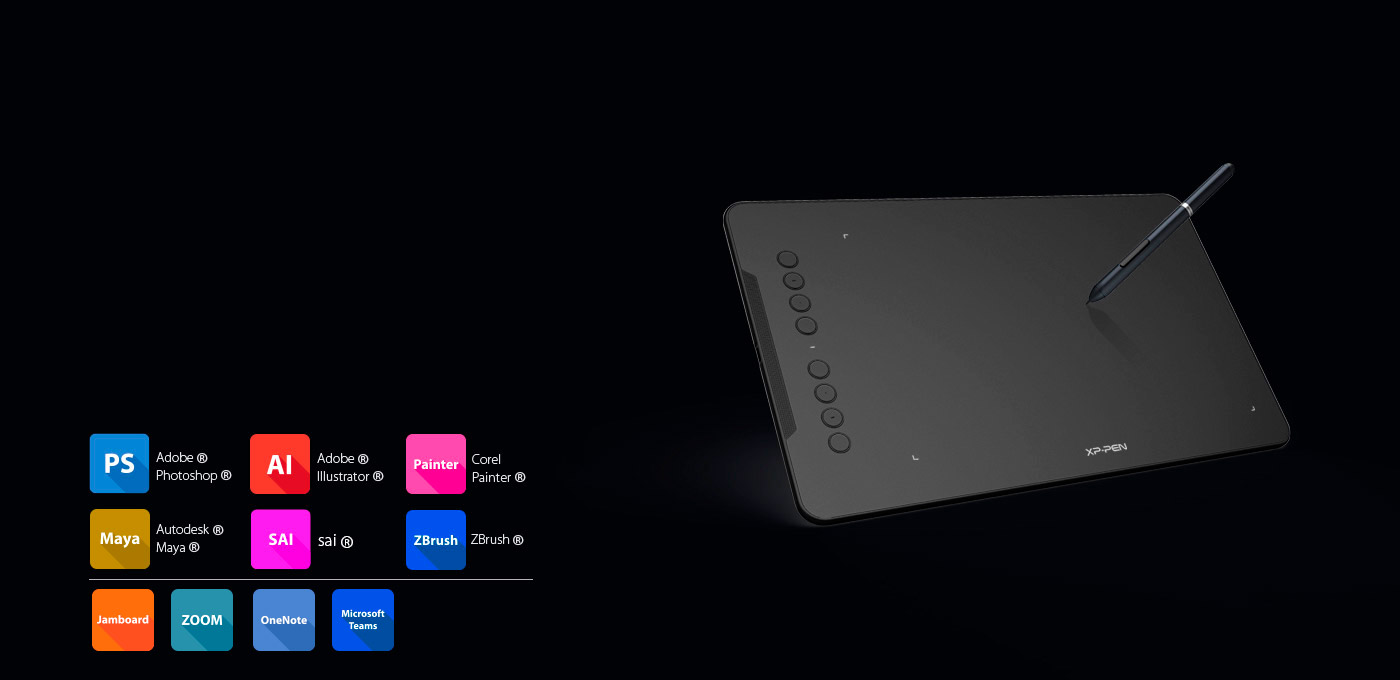
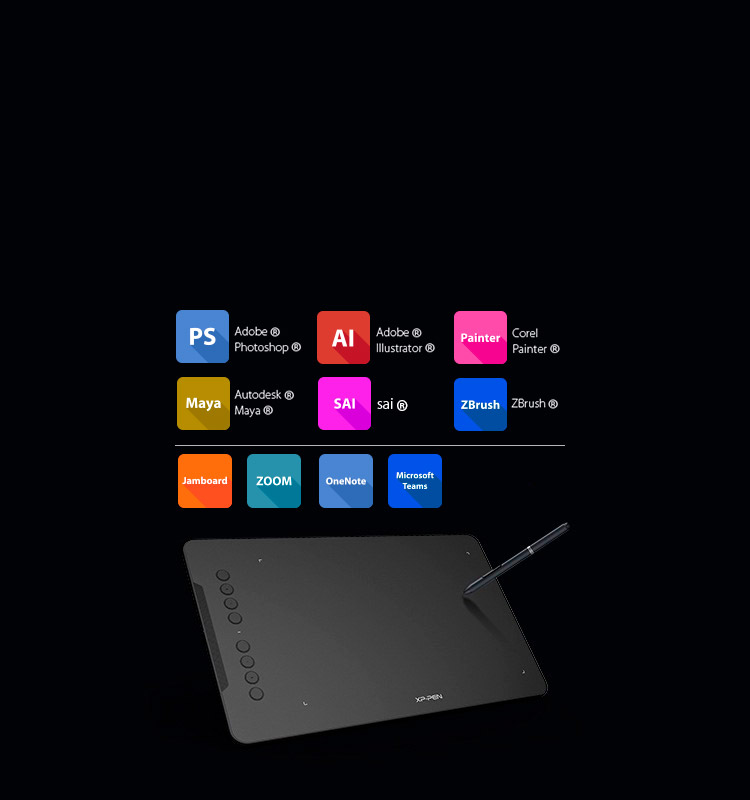
Compatible with most Operating Systems and applications.
Compatible with Windows 10/8/7, Linux (Detailed versions), Mac OS X 10.10 and above. Also compatible with many major designer software such as Photoshop, SAI, Painter, Illustrator, Clip Studio, and more.

All Deco tablets come
with one free creative software
Learn more >
| Linux OS | Version | Package Format | Supported Software |
| Arch | Arch Linux2019.12.01(64-bit) | .deb, .sh | GIMP, Krita |
| Centos | Centos7.0(64-bit) | .rpm, .sh | GIMP |
| Centos8(64-bit) | .rpm, .sh | GIMP, Krita | |
| Debian | debian-9.5.0-amd64-netinst(64-bit) | .deb, .sh | GIMP, Krita |
| elementary OS | elementary OS 5.0(64-bit) | .deb, .sh | GIMP, Krita |
| ezgo Linux | ezgo14(64-bit) | .deb, .sh | GIMP, Krita |
| Fedora | Fedora32(64-bit) | .rpm, .sh | GIMP, Krita |
| Mageia | Mageia-7.1(64-bit) | .rpm, .sh | GIMP, Krita |
| Manjaro | manjaro-xfce-20.1.2-201019(64-bit) | .deb, .sh | GIMP |
| Mint | linuxmint-18.2-cinnamon-64bit | .deb, .sh | GIMP, Krita |
| OpenSUSE | openSUSE-Tumbleweed(64-bit) | .rpm, .sh | GIMP, Krita |
| Pop!_OS | pop-os_19.10(64-bit) | .deb, .sh | GIMP, Krita |
| Red Hat | Red Hat7(64-bit) | .rpm, .sh | GIMP |
| Ubuntu | Ubuntu14.04(64-bit) | .deb, .sh | GIMP, Krita |
| Ubuntu16.04(64-bit) | .deb, .sh | GIMP, Krita | |
| Ubuntu17.04(64-bit) | .deb, .sh | GIMP, Krita | |
| Ubuntu18.04(64-bit) | .deb, .sh | GIMP, Krita | |
| Ubuntu19.04(64-bit) | .deb, .sh | GIMP, Krita | |
| Ubuntu20.04(64-bit) | .deb, .sh | GIMP, Krita |
| Function | Krita 4.3.0 | Gimp 2.10.20 | Inkscape 0.92 |
| Pen Pressure Sensitivity | |||
| Tilt | |||
| Mouse Function | |||
| Eraser Button (Stylus:PH01, P06) | |||
| Switch between Pen and Eraser Modes | |||
| *If you have any further queries, please do not hesitate to contact us at service@xp-pen.com. | | ||
Xp-pen Deco 01 Drawing Tablet
Source: https://www.storexppen.com/buy/deco-01.html
Posted by: hernandezsuccans.blogspot.com
0 Response to "Xp-pen Deco 01 Drawing Tablet"
Post a Comment